Where 'It Works on My Machine' Actually Dies
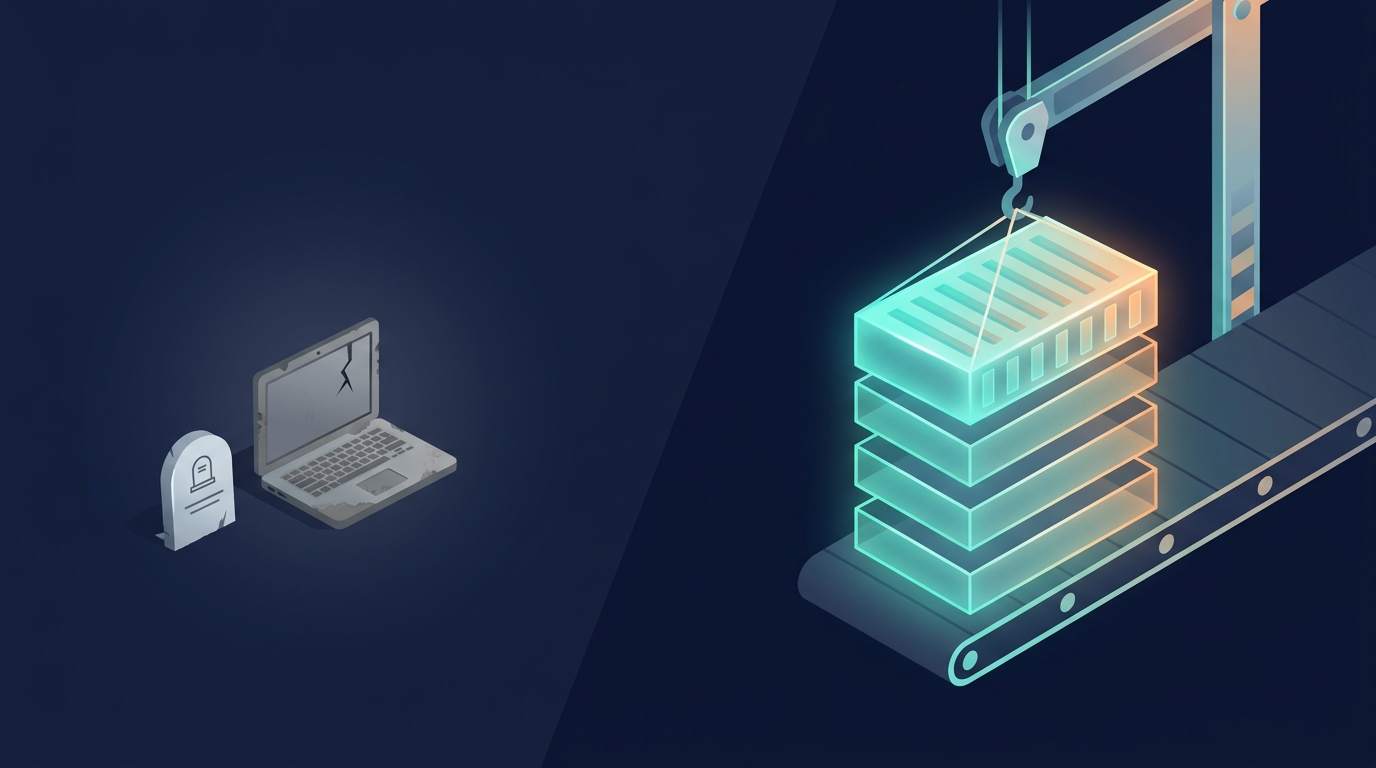
Part six of the pipeline series. Lint, type checking, tests, and static analysis all ran against your source code as-is. This job is different — it's where the pipeline actually produces the thing that ships, and the step where "it works on my machine" stops being enough.
Two jobs living in one step
"Build" usually means two things back to back: compiling or bundling your source into something runnable (transpiling TypeScript, bundling a frontend, compiling a binary), and, for most modern pipelines, packaging that output into a container image. The first step is about your code. The second is about the entire environment your code assumes exists around it — the runtime version, the OS libraries, the file layout — none of which your laptop can silently get away with fudging once it has to be written down explicitly in a Dockerfile.
Why this is where "works on my machine" actually stops being an excuse
Your laptop has an accumulated pile of installed tools, global packages, and environment variables nobody wrote down anywhere. A Docker build starts from a declared base image and installs exactly what the Dockerfile says to install, in exactly that order, with nothing carried over implicitly. If it builds in CI, it was built from the same explicit recipe every time — no laptop-specific state involved. That's the entire value of this job existing separately from "the code compiled on my computer just now."
Why layer order actually matters
Docker caches each instruction in a Dockerfile as a layer, and reuses a cached layer if nothing that could affect it changed. Copying your entire source tree in before installing dependencies means every single code change invalidates the dependency-install layer, forcing a full reinstall on every build. Copying just the dependency manifest first, installing dependencies, and then copying the rest of the source means a pure code change reuses the cached dependency layer and only re-runs the fast part. On a resource-constrained box — I run pipeline jobs on a Raspberry Pi for some of my own projects — that ordering is the difference between a build that finishes in under a minute and one that reinstalls every dependency from scratch every single run.
Try it. Pick a Dockerfile order and a change, press Build, and watch which layers come from the cache:
- 1
FROM node:22-slim - 2
WORKDIR /app - 3
COPY . . - 4
RUN npm ci - 5
RUN npm run build
Pick an order and a change, then press Build.
Multi-stage builds: why the final image shouldn't contain a compiler
A multi-stage Dockerfile uses one stage with a full build toolchain to actually compile or bundle the code, then copies only the finished output into a second, much smaller final stage — no compiler, no dev dependencies, no build cache left behind in the image that ships. Smaller images pull faster, and just as importantly, they carry less attack surface: a compiler or a full package manager sitting inside a production container is one more thing an attacker who gets in can use, and one more thing that shows up in the vulnerability scan we'll get to next.
Next: security and compliance scanning, the job that bites out of nowhere and the most useful one if you don't want to leak your company's secrets. I'll cover CVE scanning, image scanning, secrets scanning, and why "one security job" in a pipeline is usually actually three or four different tools doing genuinely different jobs.
Enjoyed this one? Get the next post by email — no spam, unsubscribe anytime.
Subscribe →